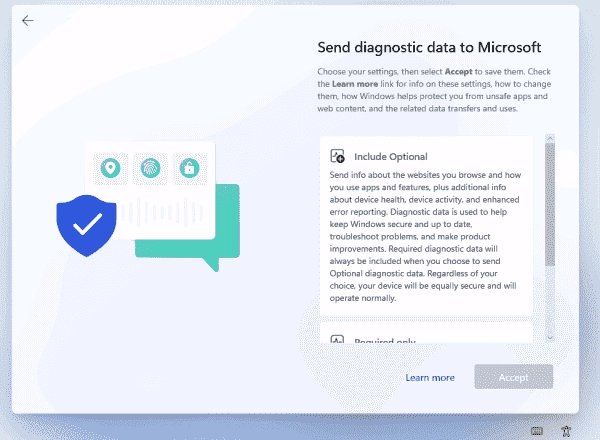
How to Use unattend.xml to Bypass OOBE During Windows 11 Installation
The Windows setup goes through several phases, with the last one being the Out-of-Box Experience (OOBE). It presents users with multiple dialogs…
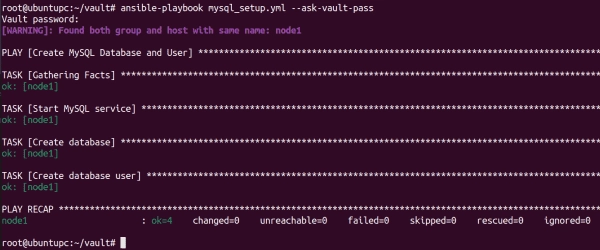
Mastering Encryption and Decryption with Ansible Vault
Ansible Vault allows you to encrypt sensitive data such as passwords, keys, and other secrets rather than storing them as plaintext in…
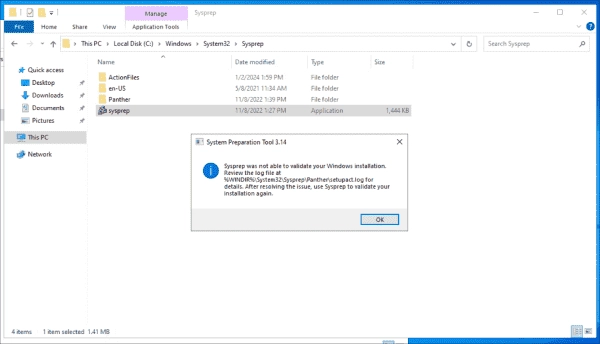
How to Resolve Sysprep Errors: When Sysprep Fails
In this post, you will learn what to do when Sysprep fails and how to fix the error: Sysprep was not able…
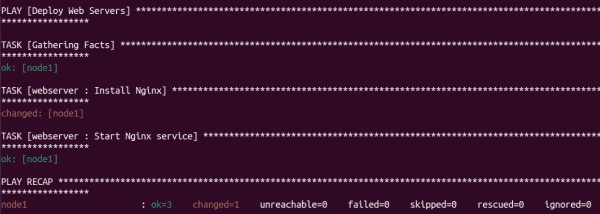
An Easy Guide to Ansible Roles: A Practical Example
If you want to deploy a web server like Apache or Nginx with Ansible, you can create a playbook outlining the installation…
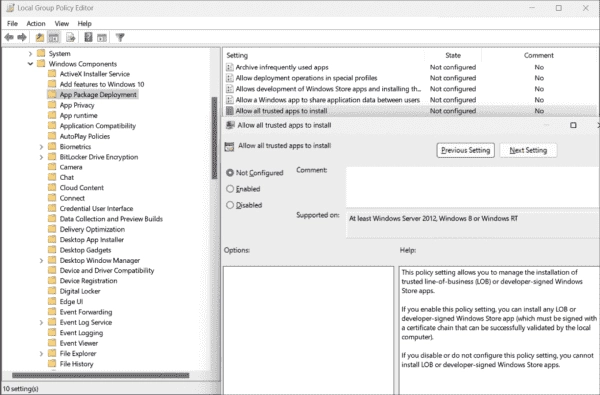
A Comprehensive Guide to Installing the New Teams Client: Bulk Installer, Policy Adjustments, Classic Client Differences and System Prerequisites
Users will gradually receive the new Teams client depending on the license and update channel. Microsoft now offers a bulk installer for…
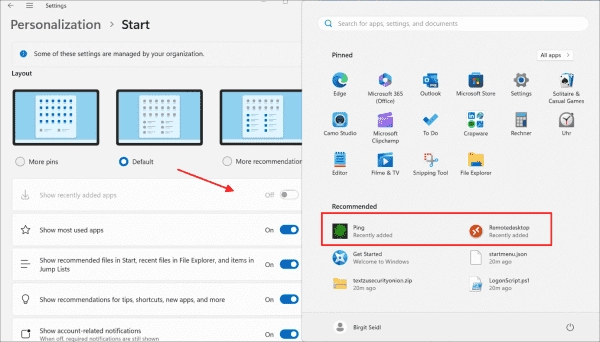
How to Configure the Start Menu of Windows 11 Using Group Policy
One of the most noticeable innovations of Windows 11 is the redesigned Start menu. This changes not only its appearance but also…
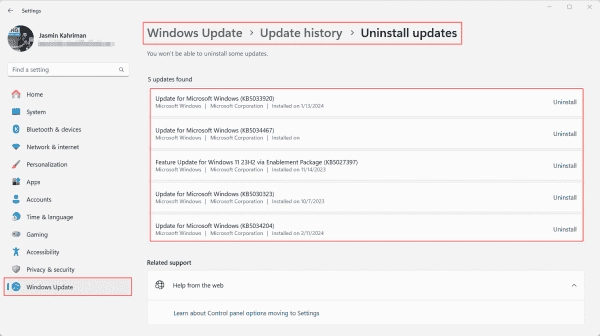
Troubleshooting Guide: What to Do if Windows 11 Copilot is Not Working
In a recent blog article, we discussed enabling or disabling Windows Copilot in Windows and Edge One of the most common problems…
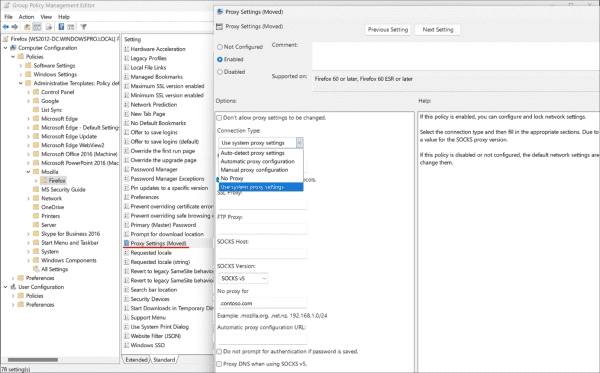
Step-by-Step Guide to Configure Firefox Proxy Settings Using Group Policy
If you desire to manage the proxy settings of the Mozilla browser in a network in a centralized way, there exists an…
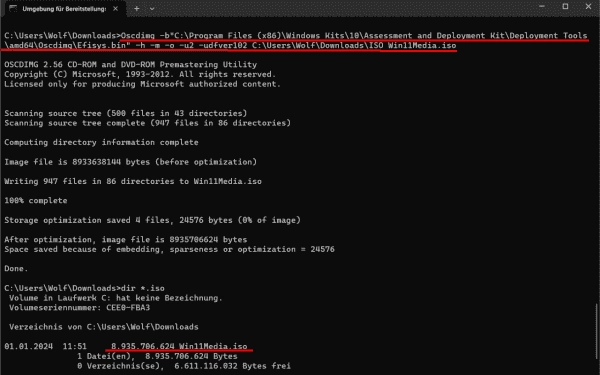
How to Create a Bootable ISO for a Windows Image (.wim)
Before deploying to clients, it’s critical to update a Windows image with the most recent patches and tailor it according to their…
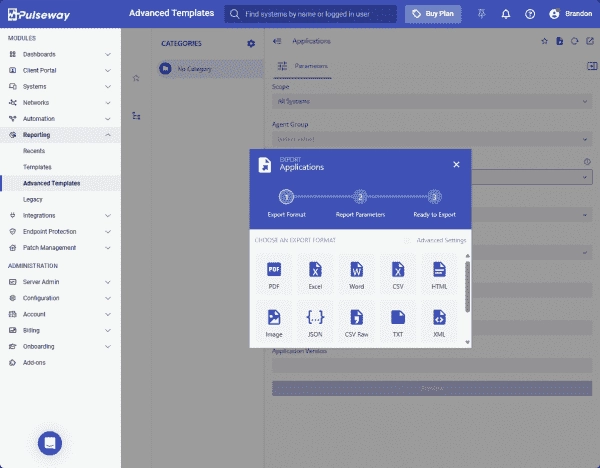
Pulseway 9.4 Remote Monitoring: Exciting New Reporting, Automation, Patching, and Remote Control Features
Explore Pulseway 9.4 remote monitoring and management’s latest features: enhanced reporting, advanced automation, improved patching, and upgraded remote control for efficient IT…