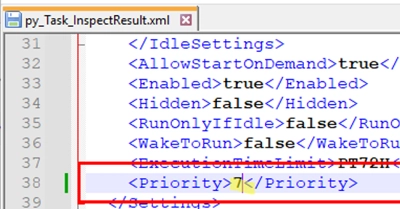
Mastering Task Priority: A Step-by-Step Guide to Setting Task Priority in Windows Task Scheduler
When using Task Scheduler in Windows, users often encounter a significant difference in the execution time of the same resource-intensive task when…

How to AutoStart a Program on RDP Logon in Windows Remote Desktop Services (RDS)
In Windows Server 2012 R2 and earlier versions with the Remote Desktop Services (RDS) role, you had the ability to configure a…
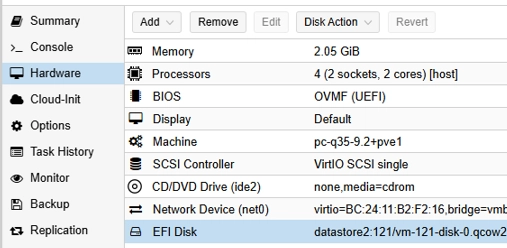
Transforming Your Windows Machine into a Proxmox VM: A Step-by-Step Guide
In this guide, we’ll explore how to migrate existing Windows machines to a Proxmox virtualization environment. This process includes both physical-to-virtual (P2V)…

Diagnosing and Resolving Inactive TS Ports in Windows: Common Causes and Effective Fixes
One frequent issue encountered when operating a Remote Desktop Services (RDS) terminal server is the accumulation of orphaned print ports labeled Inactive…
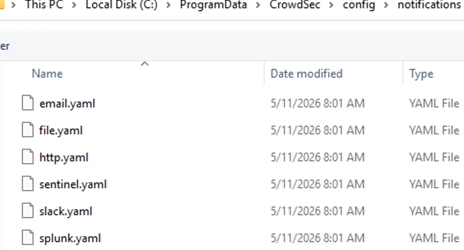
A Comprehensive Guide to Installing and Using CrowdSec on Windows for Effective Threat Blocking
CrowdSec is an open-source security engine designed to analyze server logs and detect suspicious activity such as password brute-forcing and port scanning.…
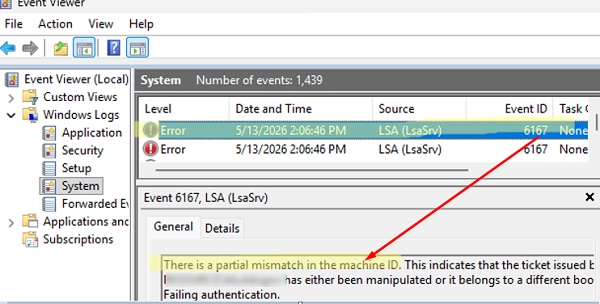
How to Resolve Duplicate Security Identifier (SID) Issues in Windows
Fixing Duplicate Security Identifier (SID) Issues in Windows In a recent update by Microsoft, strict uniqueness requirements for local machine Security Identifiers…
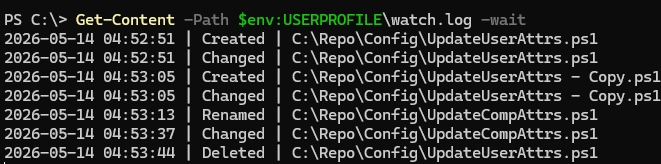
How to Monitor Folder Changes Using PowerShell and FileSystemWatcher
Monitoring a specific folder or file for changes can be efficiently achieved using PowerShell with the built-in .NET FileSystemWatcher class. This approach…
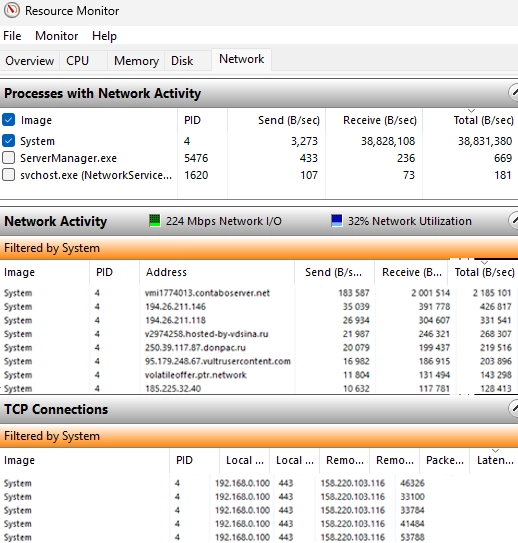
Shielding Your Windows Server: Combat DDoS and Brute-Force Attacks with IPBan
In this article, we explore how to secure Windows Server against DDoS and brute-force attacks using the IPBan tool. The goal is…
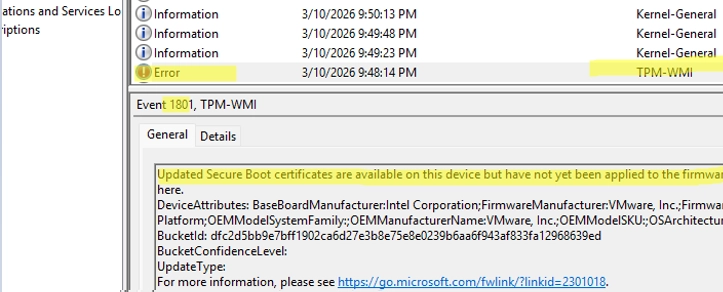
A Comprehensive Guide to Updating UEFI Secure Boot Certificates on Windows Devices
Updating UEFI Secure Boot Certificates on Windows Devices Secure Boot is a UEFI security feature designed to prevent the loading of unsigned…

Strategic Planning for Windows Server 2025: Key Priorities for Organizations in 2026
In 2026, organizations are exploring pathways to Windows Server 2025 as demands for heightened operational efficiency and security continue to rise. With…