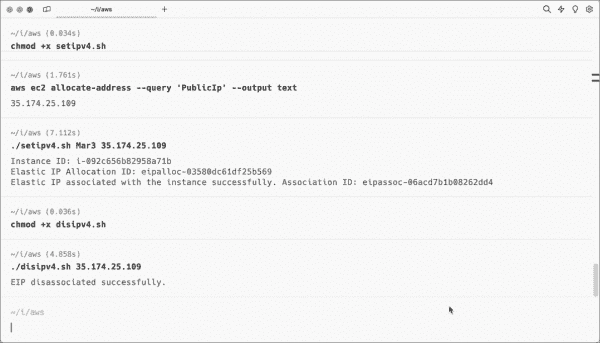
Using a Bash Script to Associate an Elastic IP Address to an EC2 instance
In previous articles, I explained how to create an AMI from an EC2 instance and then launch the instance with scripts. Next,…
How to Adjust Privacy Settings in Microsoft Edge: Disabling Tab Grouping, Creator Following, Similar Sites, and Shopping Recommendations
Microsoft regularly uses its platform to push its software and cloud services onto users, often providing little value but bloating the system…
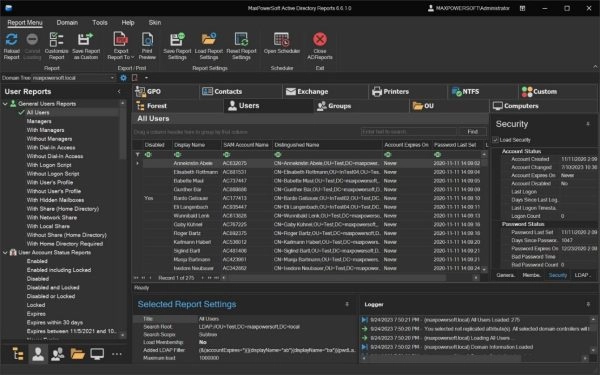
A Deep Dive into MaxPowerSoft Active Directory Reports
MaxPowerSoft Active Directory Reports generates various types of reports, eliminating the need to create PowerShell scripts to retrieve Active Directory data manually.…
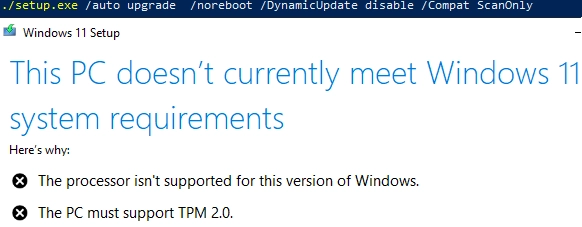
How to Upgrade to Windows 11 on Unsupported Hardware
In this article, we’ll examine the process of updating a Windows 10 computer to Windows 11 23H2 using unsupported hardware. This includes…
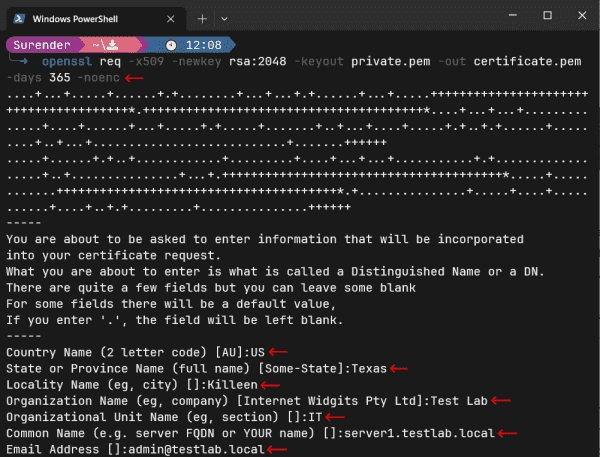
How to Convert Certificate Format Using OpenSSL
OpenSSL is an open-source library and a command-line tool that helps admins and developers perform various cryptographic tasks, such as generating key…
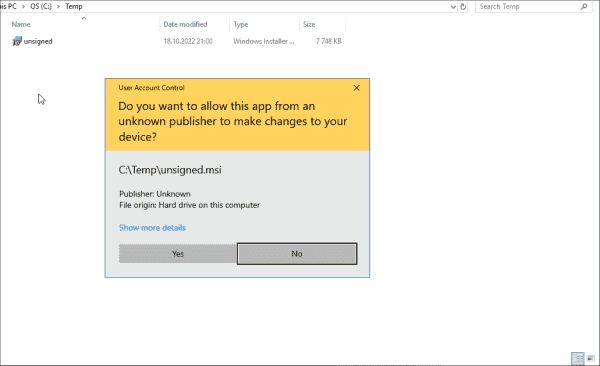
How to Verify Digital File Signatures using SigCheck
SigCheck, part of the SysInternals suite, is a command-line utility offering security features such as verifying the digital file signature and calculating…
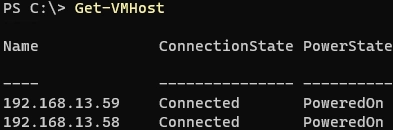
Step-by-step Guide: How to Add an ESXi Host to VMware vCenter Server (vCSA)
Let’s examine how to incorporate a standalone host with an ESXi hypervisor into the VMware vCenter Server (vCSA) for administrative centralization and…
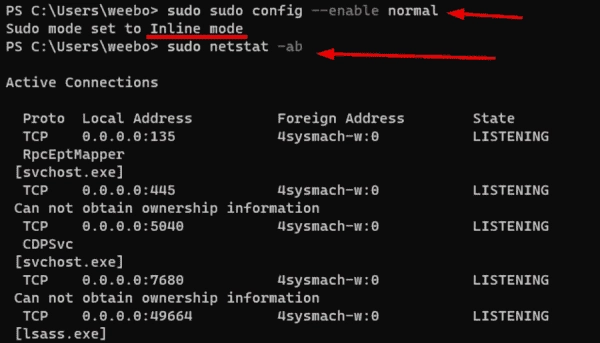
Comparing Sudo for Windows vs. Runas and Sudo for Linux
Sudo for Windows has been available since Build 26052 and is currently only accessible through the Windows Insiders program as part of…
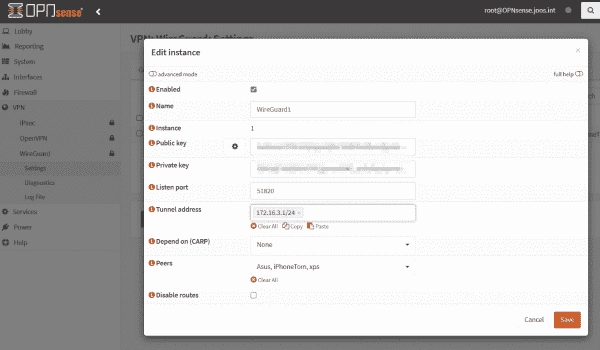
Step-by-Step Guide to Installing WireGuard VPN on OPNsense Firewall
If you are employing an OPNsense firewall, the option to configure WireGuard as a VPN server instead of OpenVPN is a viable…
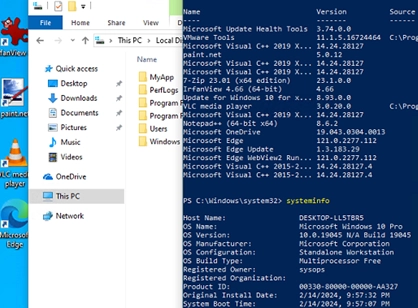
How to Craft Your Own Custom Windows Image with Pre-Installed Applications
In this guide, we’ll cover how to create a custom Windows 10/11 installation image with pre-installed apps, necessary files, and other environment…