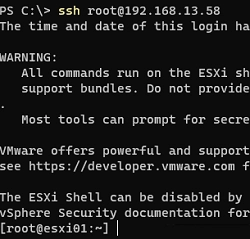
How to Establish SSH Key-Based Authentication on VMware ESXi
You can set up SSH key-based authentication for logging into VMware ESXi hosts, bypassing the need for a username and password. This…
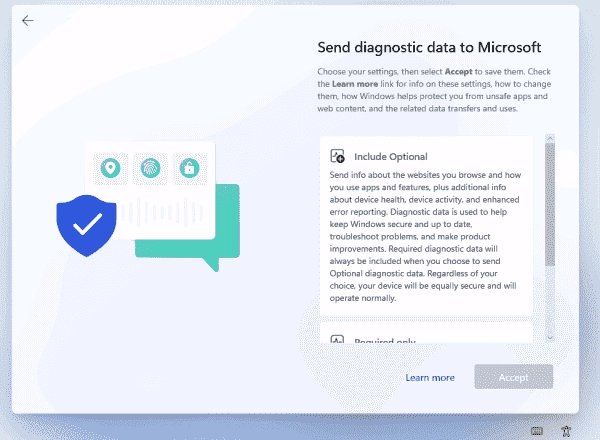
How to Use unattend.xml to Bypass OOBE During Windows 11 Installation
The Windows setup goes through several phases, with the last one being the Out-of-Box Experience (OOBE). It presents users with multiple dialogs…
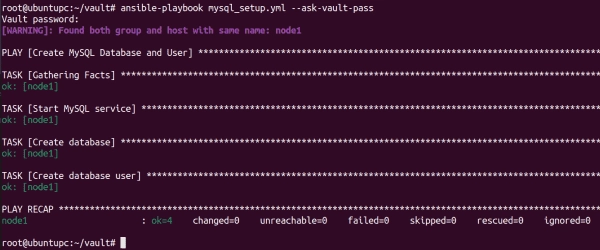
Mastering Encryption and Decryption with Ansible Vault
Ansible Vault allows you to encrypt sensitive data such as passwords, keys, and other secrets rather than storing them as plaintext in…
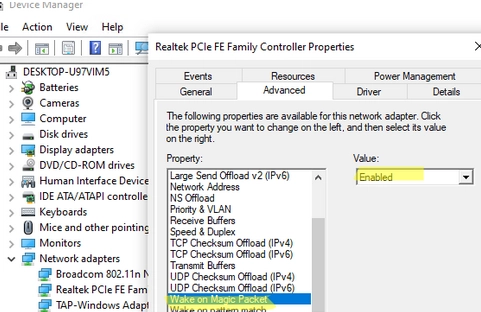
Step-by-step Guide to Enabling and Configuring Wake-on-LAN (WoL) in Windows
Wake on LAN (WoL) is an essential feature in computer networking that allows a device in sleep mode or low power mode…
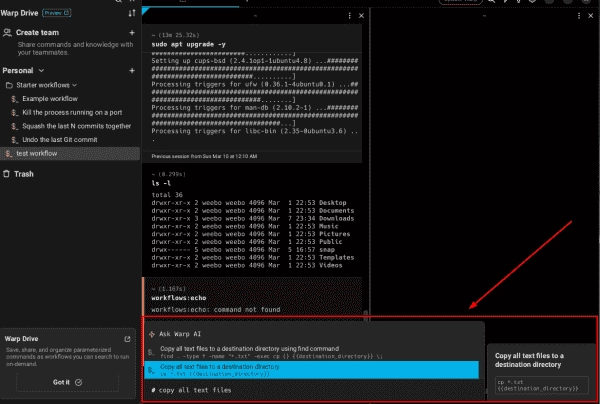
Warp: An AI-Enhanced Terminal for Linux and macOS, with a Windows Edition Coming Soon
Warp is a modern AI-powered terminal emulator that essentially allows you to execute commands in plain English. The Linux edition recently joined…

How to Monitor Website SSL/TLS Certificate Expiration using Zabbix
SSL (TLS) certificates play a pivotal role in today’s infrastructure. Hence, it’s incumbent upon administrators to make sure they don’t expire and…
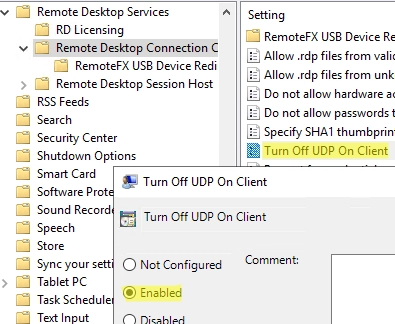
Solving the Problem: Remote Desktop Session Freezes and Disconnects on Windows
In Windows 10/11 and Windows Server 2022/2019/2016, when connecting to a Remote Desktop (RDS) server, UDP port 3389 is used along with…
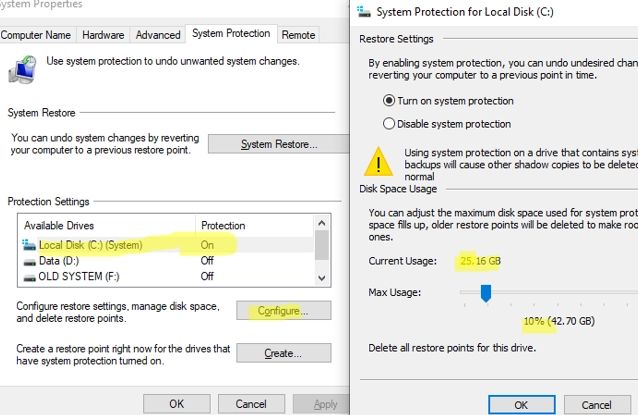
A Comprehensive Guide on Creating, Deleting and Managing System Restore Points on Windows 10/11
System Restore Points offer a convenient solution for reverting your Windows OS to a previous state should you encounter unintended system file…
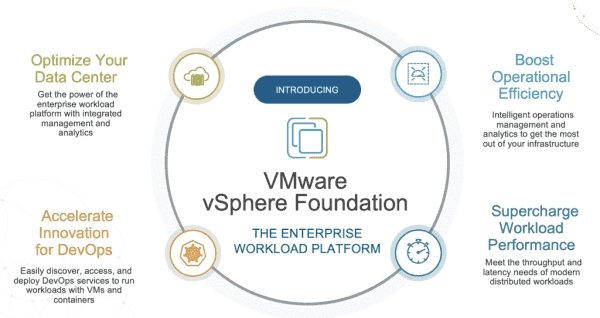
Understanding VMware vSphere: Editions, Licenses, and Pricing for the SMB Market
Following Broadcom’s takeover of VMware, the new owner significantly streamlined the portfolio, primarily selling products through bundles to large companies. However, small…
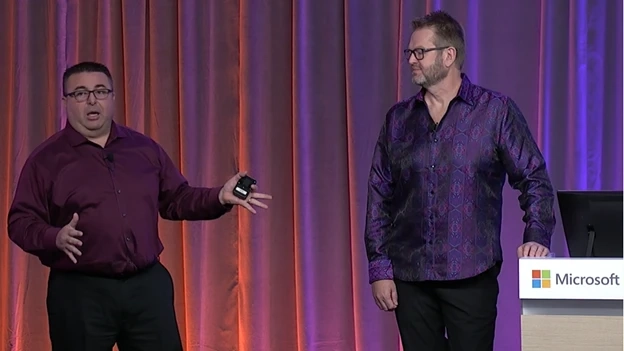
Secure Your Spot: Registration Now Open for Microsoft Windows Server Summit 2024
Learn from experts and get ready for the future of Windows Server. Stay ahead of the curve and learn about the latest…