
How to Transition from Legacy to UEFI BIOS Without Reinstalling Windows
Switching from BIOS (Legacy) Boot Mode to UEFI This guide outlines how to transition a Windows computer from BIOS (Legacy) boot mode…
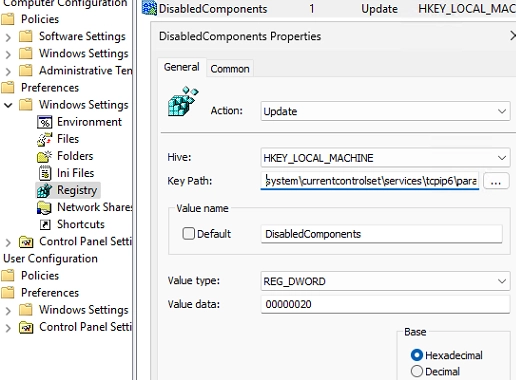
A Step-by-Step Guide to Prioritizing IPv4 over IPv6 in Windows Networks
By default, Windows attempts to connect to remote hosts using IPv6 if both IPv4 and IPv6 addresses are available. This occurs when…
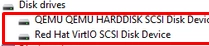
How to Load Drivers from WinPE or Recovery Command Prompt: A Step-by-Step Guide
In situations where Windows installer or the Windows Recovery Environment (WinRE) fails to detect the computer’s local disks, it may be necessary…
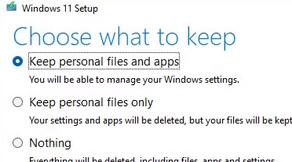
How to Fix the “The Referenced Assembly Could Not Be Found” Error (0x80073701) on Windows
When working with Windows Server or Windows 10/11, you may encounter the error: The referenced assembly could not be found. Error: 0x80073701.…
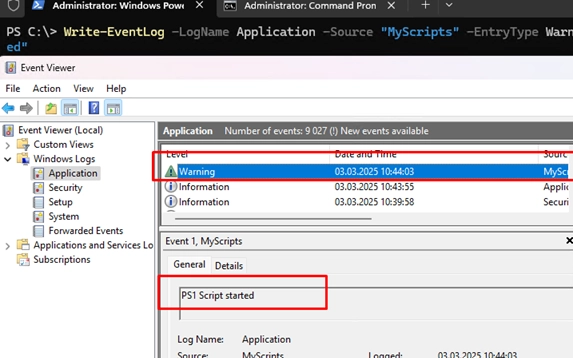
A Comprehensive Guide to Writing Logs to the Windows Event Viewer Using PowerShell and CMD
To log event information directly to the Windows Event Viewer using PowerShell or Command Prompt, you can utilize the Write-EventLog cmdlet. This…

How to Hide or Block a Specific Windows Update: A Step-by-Step Guide
Sometimes, after installing a Windows update, users may face issues such as the operating system, specific programs, or drivers malfunctioning. In such…

Understanding the Maximum Concurrent Connections Limit in Windows 10 and 11: What You Need to Know
The desktop editions of Windows 10 and 11 impose a strict limit on the number of simultaneous network connections, allowing only 20…
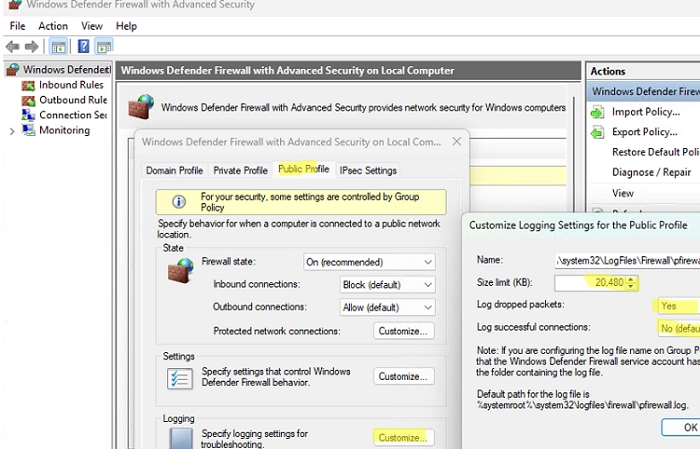
Configuring Windows Firewall Logging: A Step-by-Step Guide and Log Analysis Techniques
If you suspect that the built-in Windows Defender Firewall is obstructing network connections from a specific program or service, it’s unwise to…
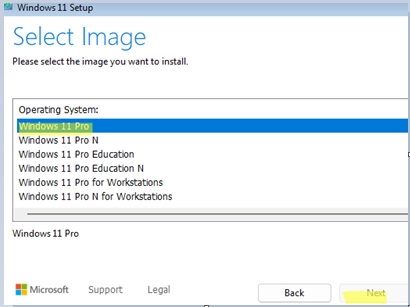
Troubleshooting Tips for Selecting the Edition During Windows 10/11 Installation
During the clean installation of Windows 10 or 11 from a USB stick, you may encounter an issue where you cannot select…
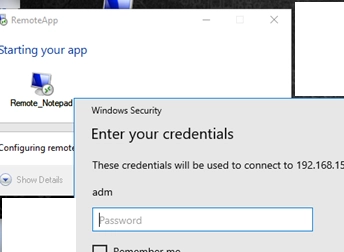
Step-by-Step Guide to Configuring RemoteApps on Windows 10/11 Without a Windows Server
If you’re looking to run applications remotely in a more efficient manner, utilizing RemoteApps can be a great solution. RemoteApp technology, while…