
How to Run Docker on Windows Using WSL2: A Guide Without Docker Desktop
There are two approaches to install Docker on Windows 10 and 11: through the Docker Desktop for Windows application, which leverages Hyper-V…
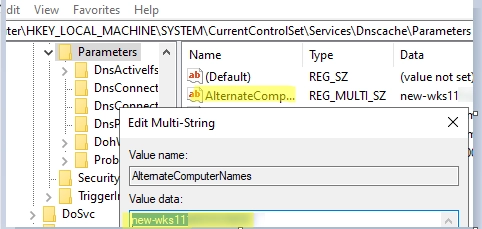
How to Configure Multiple Alternate DNS Names for a Windows Computer
In scenarios involving system migration, accessing Windows servers by both the original and new hostnames is often crucial. To make a server…
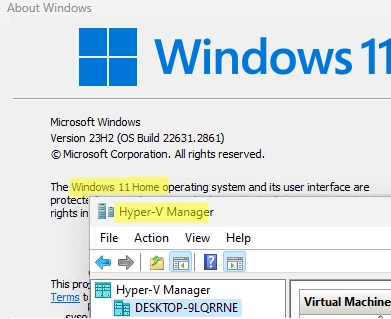
How to Enable Hyper-V on Windows 10 and Windows 11 Pro and Home Editions: A Step-by-Step Guide
In addition to the Windows Server platform, desktop versions of Windows also include the Hyper-V virtualization platform. This feature allows users to…
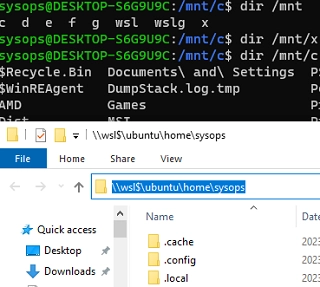
How to Mount Physical and Network Drives in WSL2 (Windows Subsystem for Linux)
There are several ways to mount and access physical, virtual, or network drives in Windows Subsystem for Linux (WSL2). By default, the…
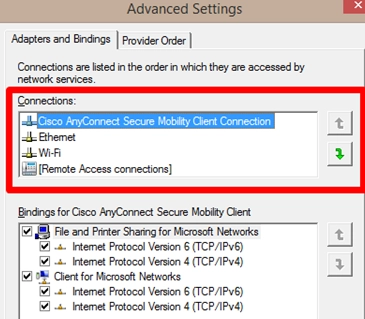
How to Change Network Connection (Adapter) Priorities in Windows: A Step-by-Step Guide
Sometimes, you may need to manually configure network connection priorities to route traffic correctly on a Windows computer with multiple network adapters…
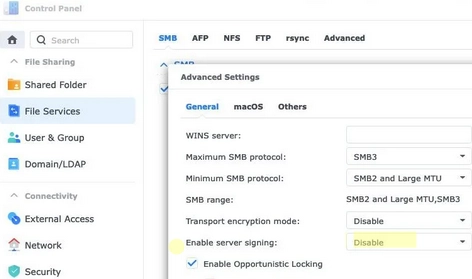
Troubleshooting: Unable to Access Shared Folders on NAS in Windows 11 24H2
Microsoft recently announced that mandatory SMB packet signing for access to shared network folders will be enabled by default in Windows 11…
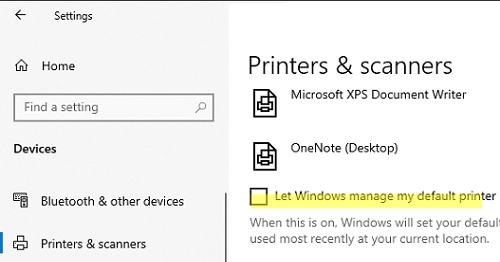
Easy Steps to Set or Change the Default Printer in Windows 10 and 11
Microsoft has changed how the default printer is assigned in Windows 10 and 11. Windows now always sets the default printer to…
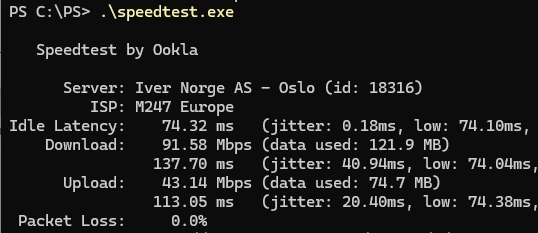
How to Test Your Internet Speed Using Windows Command Prompt and PowerShell
Many online services allow you to test your Internet connection speed in real-time. If you need to regularly collect Internet connection speed…
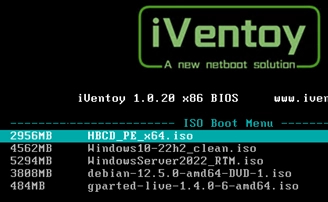
How to Install Any OS from an ISO Image over the Network Using iVentoy
Ventoy is a lightweight PXE multiboot server app that stores bootable ISO images of various operating systems (Windows, Linux, VMware, LiveCD based…
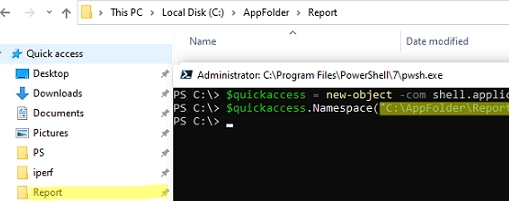
Streamline Your Workflow: Adding or Removing Pinned Folders to Quick Access Using PowerShell and GPO
Windows File Explorer has a separate panel that displays a list of favorite folders and locations called Quick Access. Many users and…