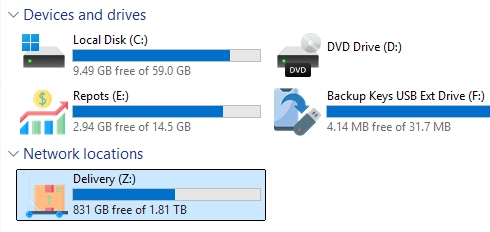
Customizing Your Drives: A Step-by-Step Guide to Setting Custom Drive Icons in Windows
Customizing drive icons in Windows can enhance navigation and provide a personalized touch to your system. By default, Windows Explorer displays standard…
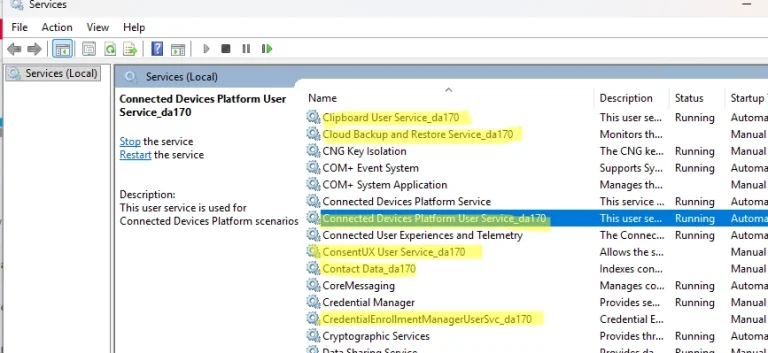
A Guide to Managing Per-User Services in Windows
In Windows, per-user services are specialized services generated for each user during their logon and removed when they log off. They are…
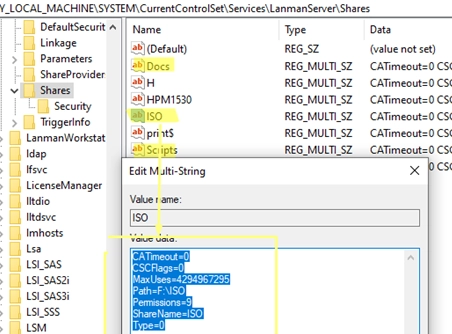
A Step-by-Step Guide to Migrating Your Existing Windows Shares to a New File Server
To migrate existing Windows shares to a new file server, you’ll need to utilize a combination of registry editing and file transfer…
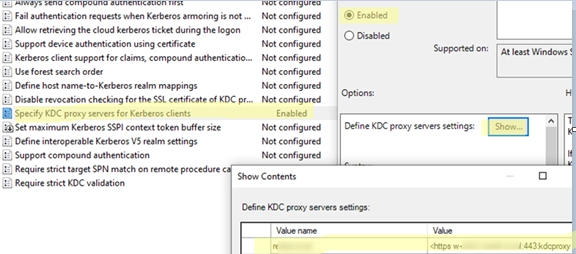
Leveraging KDC (Kerberos) Proxy in Active Directory for Secure Remote Access
The Kerberos Key Distribution Center (KDC) proxy service is designed to provide a secure way for remote clients to authenticate using Kerberos…

Step-by-Step Guide to Manually Create and Install a Windows Service
In Windows, services operate in the background, allowing applications to run without user interaction and start automatically during boot. This guide walks…

Seamless Connectivity: How to Automatically Switch to the Strongest Wi-Fi Network on Windows
Windows 10 and 11 come equipped with a useful AutoSwitch feature, which enables devices to automatically select the Wi-Fi access point (AP)…

Enabling or Disabling VBScript in Windows: A Guide Post-Deprecation
In 2024, Microsoft announced its intention to phase out support for VBScript, a scripting language previously favored for automation in Windows environments…
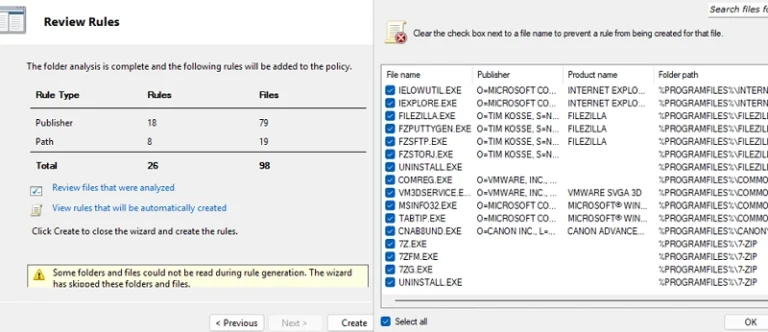
Mastering AppLocker: How to Configure Application Restriction Policies in Windows
Using AppLocker security policies, system administrators can manage which applications run on Windows systems. This tool allows for specific application restrictions, enabling…

Seamless File Sharing: How to Use SMB over QUIC on Windows Server 2025 Without a VPN
SMB over QUIC is a new feature in Windows Server 2025 that enables users to securely access Windows file shares over the…

How to Recover Your Computer’s Previous Name in Windows: A Step-by-Step Guide
After changing the name of a Windows computer, you might find yourself needing to retrieve its previous name (hostname). This can be…