
How to Check the Software Installation and Removal History in Windows
The Windows Event logs maintain a comprehensive record of software installations, updates, and removals on a computer. On a Windows hosted server,…
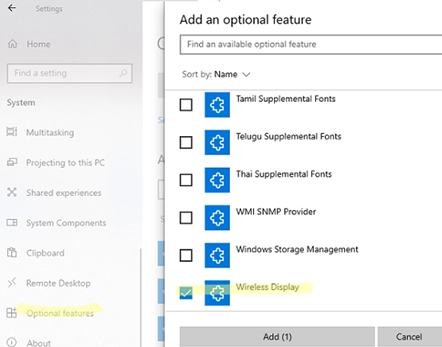
Step-by-Step Guide: How to Cast or Mirror Your Android Screen to a Windows PC
This tutorial details the process of casting an Android smartphone’s screen onto a Windows PC using Wi-Fi. It utilizes Miracast, a common…

How to Run Docker on Windows Using WSL2: A Guide Without Docker Desktop
There are two approaches to install Docker on Windows 10 and 11: through the Docker Desktop for Windows application, which leverages Hyper-V…
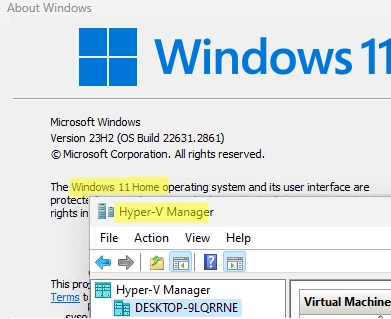
How to Enable Hyper-V on Windows 10 and Windows 11 Pro and Home Editions: A Step-by-Step Guide
In addition to the Windows Server platform, desktop versions of Windows also include the Hyper-V virtualization platform. This feature allows users to…
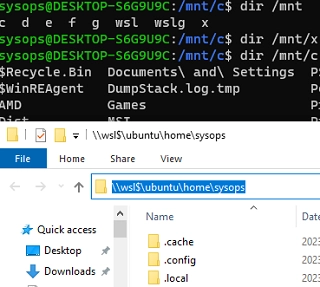
How to Mount Physical and Network Drives in WSL2 (Windows Subsystem for Linux)
There are several ways to mount and access physical, virtual, or network drives in Windows Subsystem for Linux (WSL2). By default, the…
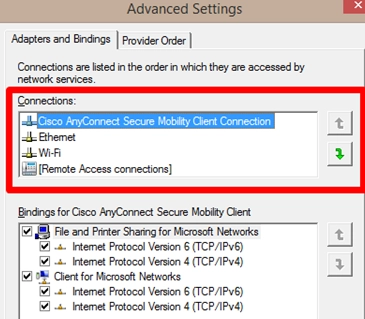
How to Change Network Connection (Adapter) Priorities in Windows: A Step-by-Step Guide
Sometimes, you may need to manually configure network connection priorities to route traffic correctly on a Windows computer with multiple network adapters…
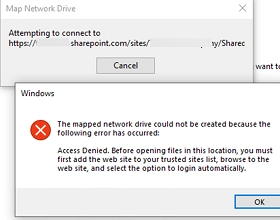
How to Map a SharePoint Online Library as a Network Drive in Windows
Connecting SharePoint Online document libraries through the OneDrive client or using the Web interface are the preferred and recommended ways to access…
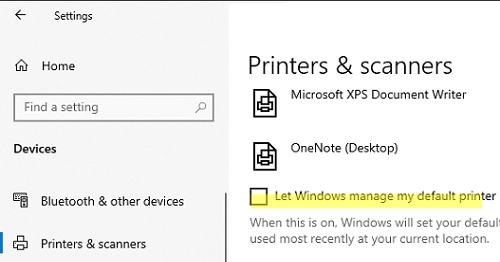
Easy Steps to Set or Change the Default Printer in Windows 10 and 11
Microsoft has changed how the default printer is assigned in Windows 10 and 11. Windows now always sets the default printer to…
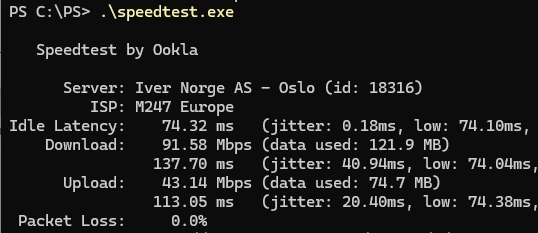
How to Test Your Internet Speed Using Windows Command Prompt and PowerShell
Many online services allow you to test your Internet connection speed in real-time. If you need to regularly collect Internet connection speed…
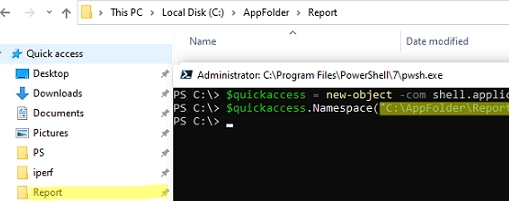
Streamline Your Workflow: Adding or Removing Pinned Folders to Quick Access Using PowerShell and GPO
Windows File Explorer has a separate panel that displays a list of favorite folders and locations called Quick Access. Many users and…