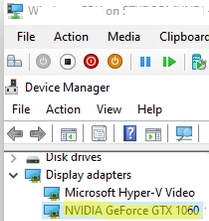
Step-by-Step Guide to GPU Passthrough in Hyper-V Virtual Machines
The feature RemoteFX vGPU was previously accessible in older Hyper-V versions (starting from Windows 7 and Windows Server 2008 R2) to allocate…
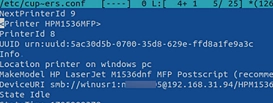
How to Print from Linux to a Windows Shared Printer: A Comprehensive Guide
This article explains how to connect and print from a Linux computer to a shared printer connected to a Windows host. The…

Step-by-Step Guide to Sharing a USB Scanner Over a Windows Network Using NAPS2
Most small office/home office (SOHO) multifunction printers (MFPs) don’t support network scanning. If you own such a scanner that can’t scan to…
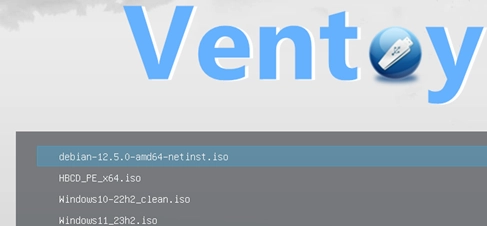
Guide to Creating a Multi-OS Bootable USB Flash Drive Using Ventoy
If you desire to generate a multi-boot USB flash drive containing several operating system images, Ventoy stands out as one of the…
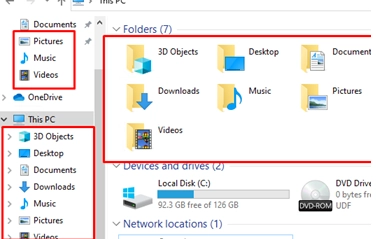
How to Hide Library and Special Folders from File Explorer on Windows
By default, Windows File Explorer displays a number of pre-set folders: these include library folders (such as Video, Downloads, Music, Documents, Pictures,…
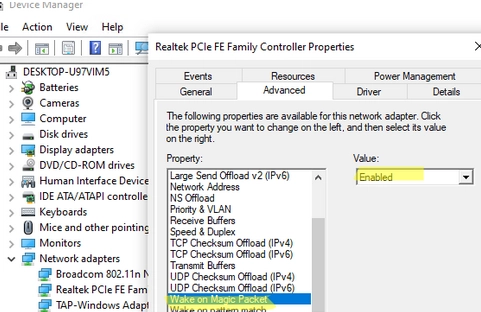
Step-by-step Guide to Enabling and Configuring Wake-on-LAN (WoL) in Windows
Wake on LAN (WoL) is an essential feature in computer networking that allows a device in sleep mode or low power mode…
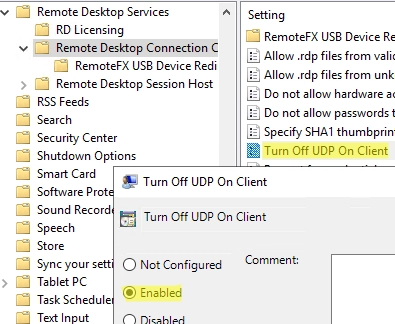
Solving the Problem: Remote Desktop Session Freezes and Disconnects on Windows
In Windows 10/11 and Windows Server 2022/2019/2016, when connecting to a Remote Desktop (RDS) server, UDP port 3389 is used along with…
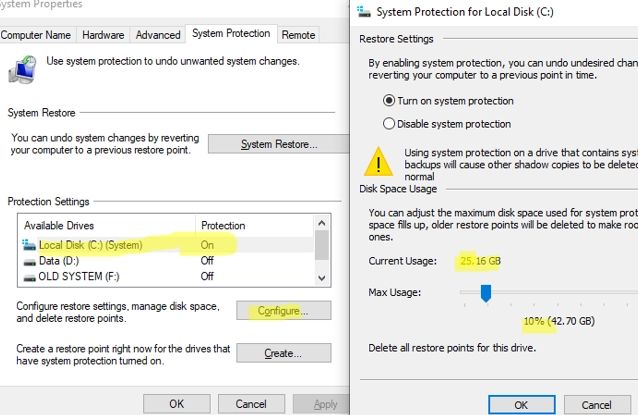
A Comprehensive Guide on Creating, Deleting and Managing System Restore Points on Windows 10/11
System Restore Points offer a convenient solution for reverting your Windows OS to a previous state should you encounter unintended system file…
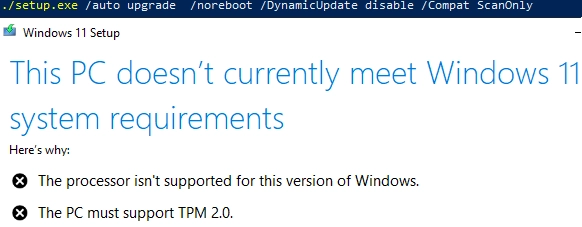
How to Upgrade to Windows 11 on Unsupported Hardware
In this article, we’ll examine the process of updating a Windows 10 computer to Windows 11 23H2 using unsupported hardware. This includes…
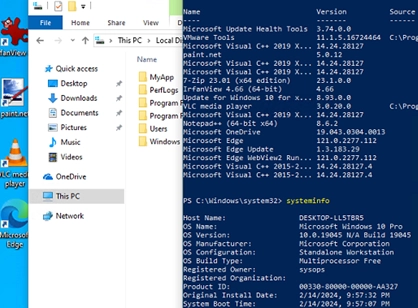
How to Craft Your Own Custom Windows Image with Pre-Installed Applications
In this guide, we’ll cover how to create a custom Windows 10/11 installation image with pre-installed apps, necessary files, and other environment…