
How to Transition from Legacy to UEFI BIOS Without Reinstalling Windows
Switching from BIOS (Legacy) Boot Mode to UEFI This guide outlines how to transition a Windows computer from BIOS (Legacy) boot mode…
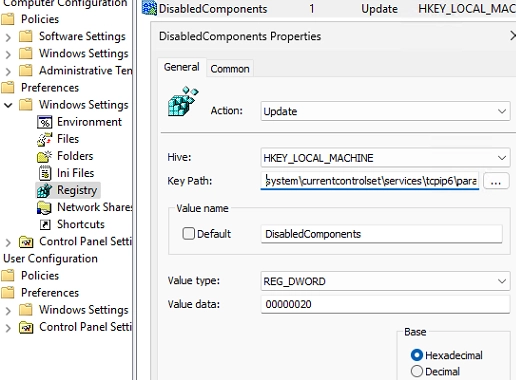
A Step-by-Step Guide to Prioritizing IPv4 over IPv6 in Windows Networks
By default, Windows attempts to connect to remote hosts using IPv6 if both IPv4 and IPv6 addresses are available. This occurs when…
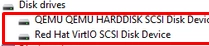
How to Load Drivers from WinPE or Recovery Command Prompt: A Step-by-Step Guide
In situations where Windows installer or the Windows Recovery Environment (WinRE) fails to detect the computer’s local disks, it may be necessary…

Understanding the Maximum Concurrent Connections Limit in Windows 10 and 11: What You Need to Know
The desktop editions of Windows 10 and 11 impose a strict limit on the number of simultaneous network connections, allowing only 20…
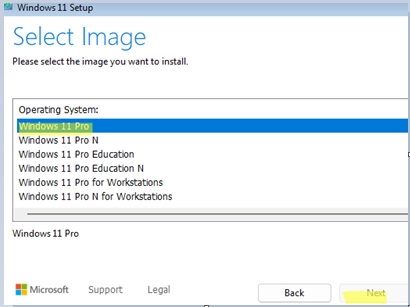
Troubleshooting Tips for Selecting the Edition During Windows 10/11 Installation
During the clean installation of Windows 10 or 11 from a USB stick, you may encounter an issue where you cannot select…
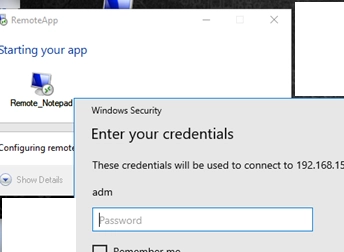
Step-by-Step Guide to Configuring RemoteApps on Windows 10/11 Without a Windows Server
If you’re looking to run applications remotely in a more efficient manner, utilizing RemoteApps can be a great solution. RemoteApp technology, while…
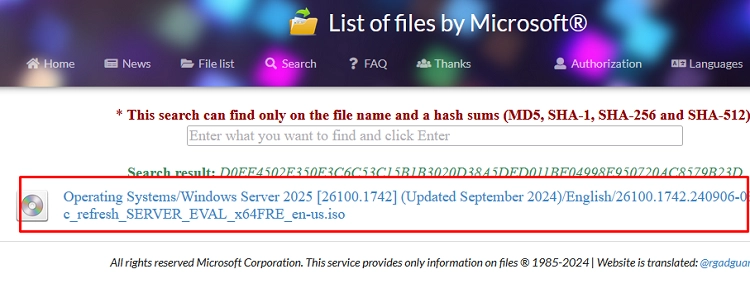
A Step-by-Step Guide to Verifying File Hashes (Checksums) on Windows
Checking the hash (checksum) of a downloaded file is crucial for ensuring its integrity and verifying that the contents have not been…
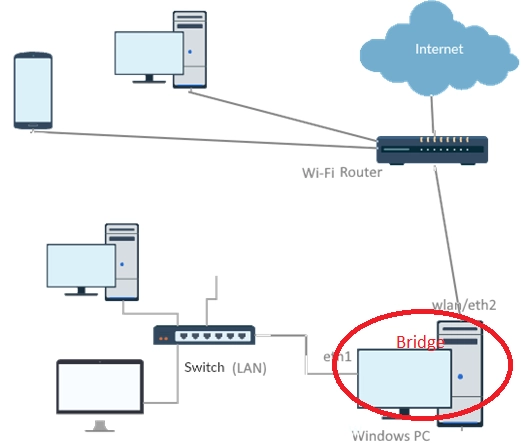
How to Effectively Bridge Multiple Network Interfaces on Windows
This article discusses how to create and manage a network bridge on a Windows desktop or laptop. A network bridge operates at…
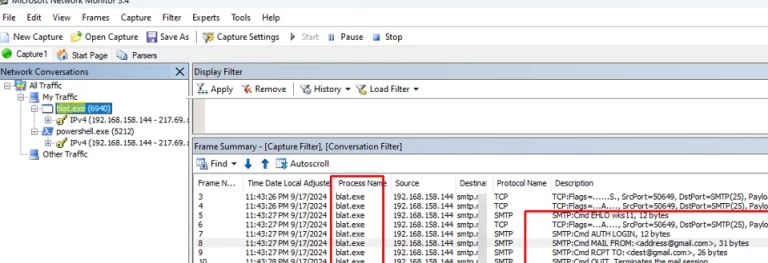
Mastering Network Monitor: A Comprehensive Guide to Capturing and Analyzing Network Traffic on Windows
Microsoft Network Monitor (NetMon) is a vital tool for capturing and analyzing network traffic on Windows systems. While it hasn’t seen updates…

How to Remove a Specific Device from the Windows Safely Remove Hardware List
The “Safely Remove Hardware and Eject Media” menu in the system tray may list devices that users do not intend to disconnect.…