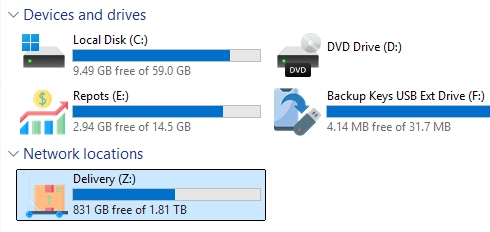
Customizing Your Drives: A Step-by-Step Guide to Setting Custom Drive Icons in Windows
Customizing drive icons in Windows can enhance navigation and provide a personalized touch to your system. By default, Windows Explorer displays standard…
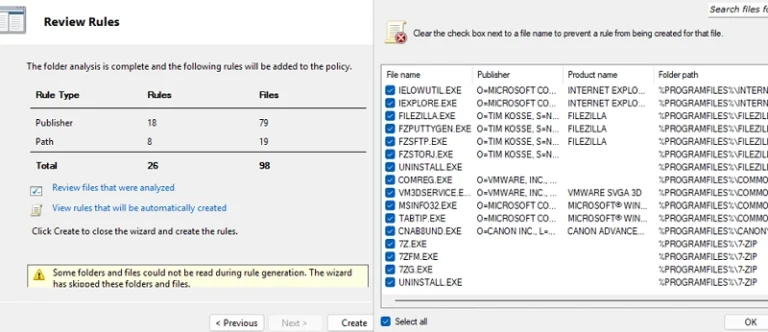
Mastering AppLocker: How to Configure Application Restriction Policies in Windows
Using AppLocker security policies, system administrators can manage which applications run on Windows systems. This tool allows for specific application restrictions, enabling…
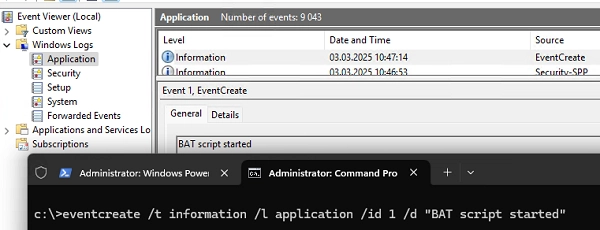
How to Exclude a Specific User or Computer from Group Policy in Windows
To exclude specific users or computers from Group Policy Object (GPO) settings in Active Directory, there are several effective methods you can…
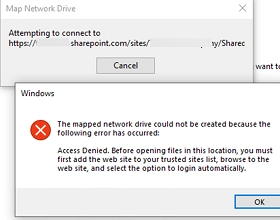
How to Map a SharePoint Online Library as a Network Drive in Windows
Connecting SharePoint Online document libraries through the OneDrive client or using the Web interface are the preferred and recommended ways to access…
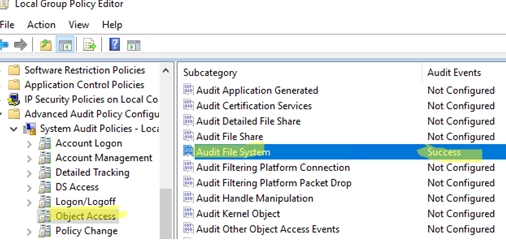
How to Configure File and Folder Access Auditing on Windows Using Group Policy (GPO)
The file system audit policy in Windows allows to monitor all access events to specific files and folders on a disk. An…
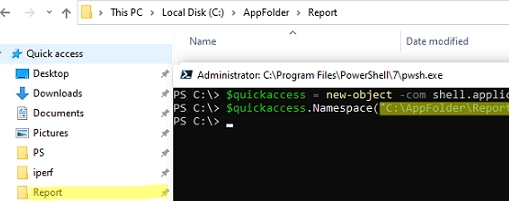
Streamline Your Workflow: Adding or Removing Pinned Folders to Quick Access Using PowerShell and GPO
Windows File Explorer has a separate panel that displays a list of favorite folders and locations called Quick Access. Many users and…
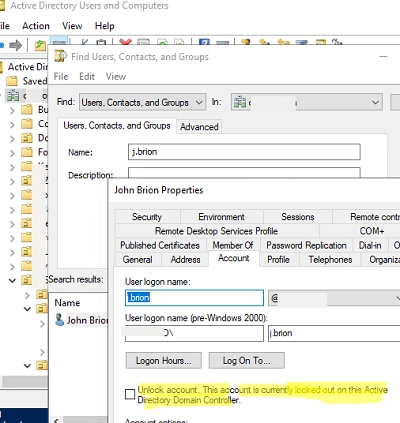
The Procedure for Unlocking User Accounts in Active Directory
A user account lockout in a domain is one of the most popular reasons why users contact the technical support team. In…
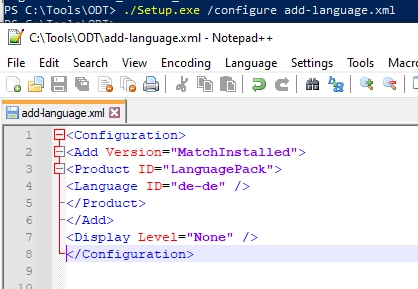
A Comprehensive Guide to Deploying Microsoft Office Language Packs
In this article, we’ll explore manual and automated methodologies to deploy extra language packs and configure the default language in Microsoft Office…