Powershell
A Step-by-Step Guide: How to Identify Your Installed Windows Version and Build Number
The easiest way to quickly find out the version and build number of the Windows OS that is installed on your computer…
Powershell
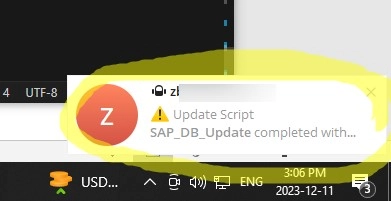
How to Send Telegram Messages from a PowerShell Script
You can use your Telegram messenger as a notification tool to get instant reports on various infrastructure events, script execution results, or…
Windows 10
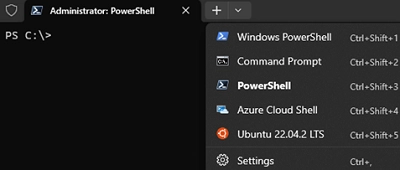
How to Install Windows Terminal Without Using the Microsoft Store
Windows Terminal is a novel terminal application crafted to simplify the use of command line tools, cmd.exe, and Powershell environments. It supports…
Active Directory
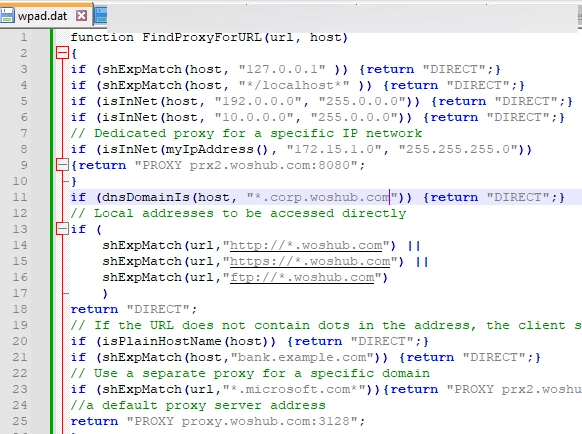
A Comprehensive Guide to Utilizing WPAD (Web Proxy Auto-Discovery Protocol) on Windows
The WPAD (Web Proxy Auto-Discovery) protocol provides an easy solution for proxy settings configuration on the network clients. WPAD is designed such…