Step-by-Step Guide on Inserting Offline .MSU Updates into Windows .WIM Images
Before deployment, Microsoft ISO’s install .wim or custom images should be updated. With the DISM module in PowerShell, you can add .msu…
Step-by-Step Guide to Linking an Azure Function or Web App to a Key Vault using PowerShell
Azure Functions often require access to sensitive information. It is a security risk to store credentials in code or configuration files. Thus,…
Troubleshooting Tips: How to Fix the Action Center Not Opening Issue on Windows 10 and 11
The Action Center in Windows 10 and 11 delivers various notifications from both system and user apps. Plus, it offers quick buttons…
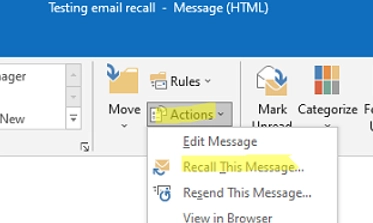
Step-by-Step Guide on Recalling a Sent Email in Outlook for Exchange and Microsoft 365 Users
In Exchange Server or Microsoft 365-based email organizations, you can recall (or replace) a sent email from a recipient’s inbox in Outlook…
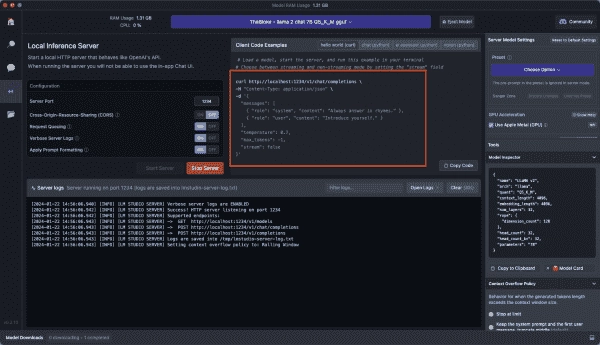
Exploring LM Studio: Running Local AI on Your Desktop or Server
LM Studio is a cost-free tool that enables you to operate an AI on your computer using open-source Large Language Models (LLMs)…

Revolutionizing Xbox: The Impact of Hotpatching on Windows Server
Explore how Xbox drives efficiency using Windows Server and SQL Server on Azure Want to avoid spending your weekends patching servers? The…
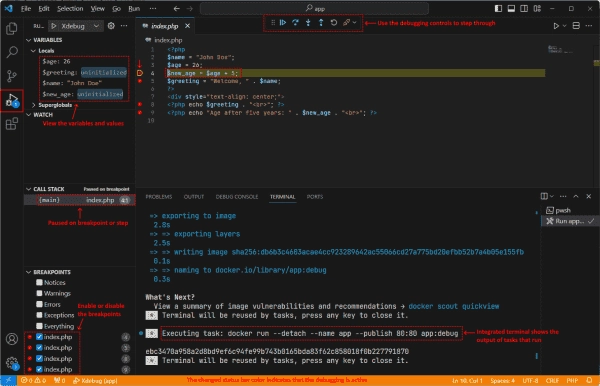
Mastering Debugging with Docker in Visual Studio Code
This post will guide you in debugging containerized apps running in Docker using Visual Studio (VS) Code. Prerequisites The following things are…
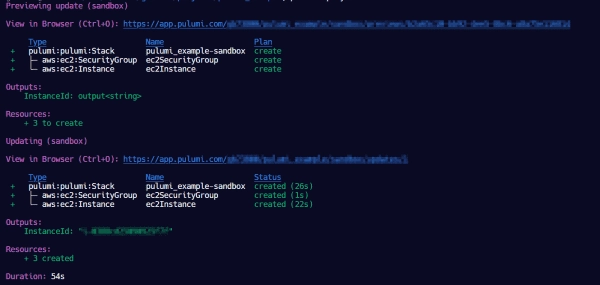
Pulumi Tutorial: How to Deploy an EC2 Instance
Pulumi is an infrastructure-as-code (IaC) solution similar to Terraform. One advantage of Pulumi is that it allows DevOps engineers to use familiar…
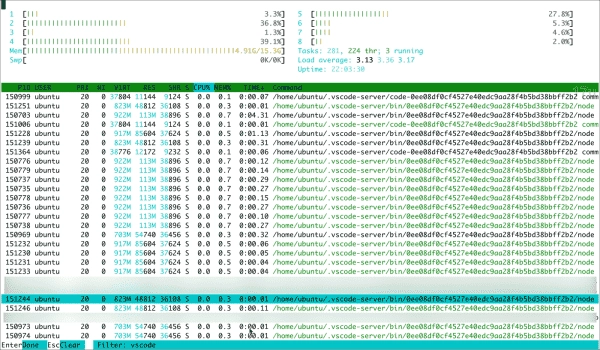
How to Stop VS Code from Causing High CPU Usage on a Remote Server
Sometimes, the remote extensions that are installed by Microsoft Visual Code (VS Code) on remote systems can consume high amounts of CPU…
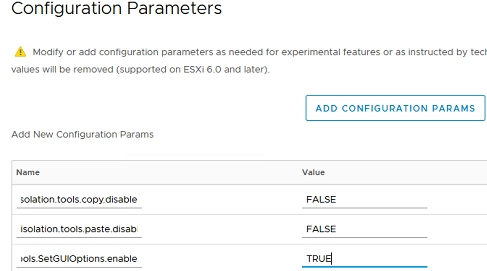
Step-by-Step Guide: Enabling Copy and Paste on a VMware Virtual Machine
For security reasons, the clipboard is disabled by default in the VMware vSphere Client. This means that you cannot use copy/paste operations…