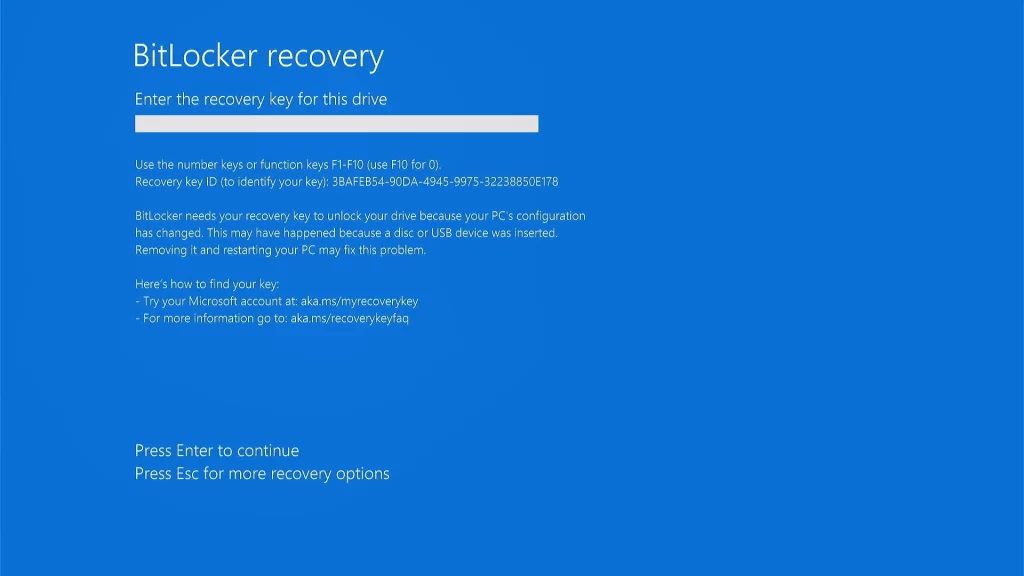
Windows 11 KB5083769 is currently causing issues for some users, notably triggering BitLocker recovery screens on certain PCs. Microsoft has acknowledged the issue and stated that they are working on a fix. Users have reported that the installation of the April 2026 update has required multiple reboots, which is unusual for Windows updates. This behavior might stem from an associated .NET Framework update that was released concurrently with the main update.
Typically, Windows updates only require a single reboot, so this multiple reboot issue has raised concerns. While Microsoft is investigating user reports, it remains unclear if this is due to a bug or if it is linked to the recent updates.
Additonal problems include users facing repeated error codes while trying to install KB5083769, such as 0x800736b3 and 0x800f0991. Specific models, like the Lenovo Yoga Slim 7x, have also reported installation failures.
The BitLocker recovery screen issue is not entirely new; there have been multiple reports of its occurrence following various updates. According to Microsoft, the BitLocker recovery screen may appear due to non-standard BitLocker Group Policy settings, which affect a limited number of devices—mainly those with BitLocker enabled on the Windows drive.
For enterprises, it’s advisable to review their BitLocker group policies and confirm their PCR7 status before proceeding with the update. Fortunately, Microsoft has rolled out a server-side fix aimed at alleviating these installation issues for users impacted by the April 2026 Update.
For further details, users may refer to Microsoft’s updated support documentation related to the April update.