Category: Windows Server 2025

  • How to Monitor Folder Changes Using PowerShell and FileSystemWatcher

    How to Monitor Folder Changes Using PowerShell and FileSystemWatcher

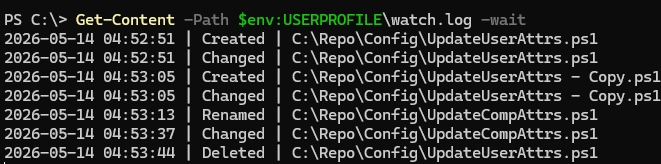
    Monitoring a specific folder or file for changes can be efficiently achieved using PowerShell with the built-in .NET FileSystemWatcher class. This approach allows for real-time detection of changes such as creation, deletion, renaming, or modification of files within a specified directory. By utilizing the FileSystemWatcher, you can automate actions in response to these events, such…

  • Shielding Your Windows Server: Combat DDoS and Brute-Force Attacks with IPBan

    Shielding Your Windows Server: Combat DDoS and Brute-Force Attacks with IPBan

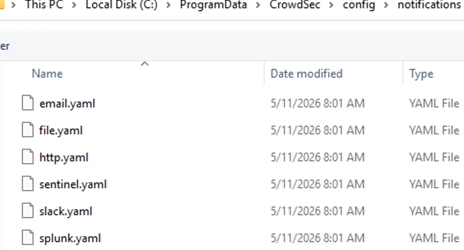
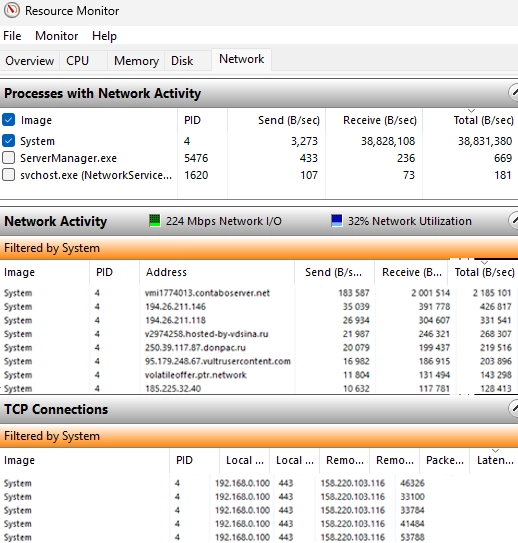
    In this article, we explore how to secure Windows Server against DDoS and brute-force attacks using the IPBan tool. The goal is to monitor failed logons and suspicious traffic, blocking the offending IP addresses through Windows Firewall rules. With IPBan, we can establish a straightforward host protection system without relying on external security applications. How…

  • A Comprehensive Guide to Updating UEFI Secure Boot Certificates on Windows Devices

    A Comprehensive Guide to Updating UEFI Secure Boot Certificates on Windows Devices

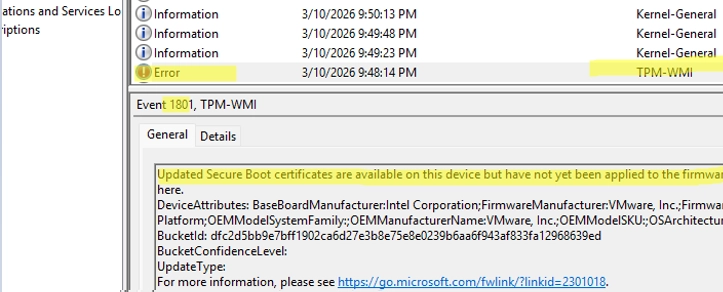
    Updating UEFI Secure Boot Certificates on Windows Devices Secure Boot is a UEFI security feature designed to prevent the loading of unsigned or malicious code before the operating system starts. The Microsoft Secure Boot certificates issued in 2011 are set to begin expiring in June 2026. This expiration could lead to the disabling of Secure…

  • Strategic Planning for Windows Server 2025: Key Priorities for Organizations in 2026

    Strategic Planning for Windows Server 2025: Key Priorities for Organizations in 2026

    In 2026, organizations are exploring pathways to Windows Server 2025 as demands for heightened operational efficiency and security continue to rise. With ever-increasing security threats, companies are facing challenges in maintaining standardized server configurations across hybrid environments that span on-premises systems and cloud-based resources. Many teams are tackling critical questions about how to enhance their…

  • A Step-by-Step Guide to Mounting NFS Shares in Windows with the Built-in Client

    A Step-by-Step Guide to Mounting NFS Shares in Windows with the Built-in Client

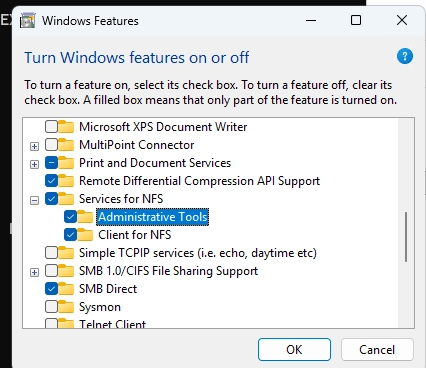
    Modern versions of Windows come equipped with a built-in NFS (Network File System) client that allows users to mount NFS directories directly from Linux hosts or NAS devices. This functionality enables seamless access to files and folders on NFS volumes through Windows File Explorer, much like accessing SMB (Server Message Block) mapped drives. Below, we…

  • A Guide to Managing Per-User Services in Windows

    A Guide to Managing Per-User Services in Windows

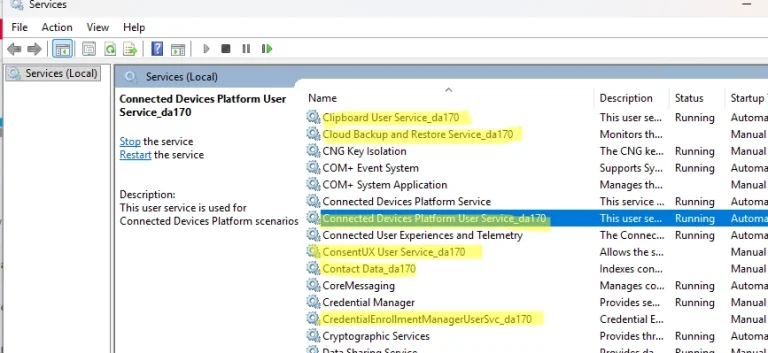
    In Windows, per-user services are specialized services generated for each user during their logon and removed when they log off. They are designed to handle personalized tasks such as search indexing, notifications, and data synchronization, operating within the user account context rather than the LocalSystem context. This concept has been available since Windows 10 and…

  • How to Change the Default Organizational Unit for New Computers and Users in Active Directory

    How to Change the Default Organizational Unit for New Computers and Users in Active Directory

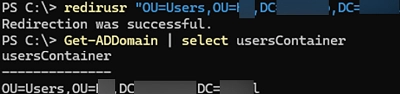
    When a computer is joined to a domain using the System Properties GUI, its account is created in the default Computers container. This container is not an Organizational Unit (OU), meaning that it does not support Group Policy assignments, relying instead on root domain Group Policies like the Default Domain Policy. This setup can lead…

  • A Step-by-Step Guide to Migrating Your Existing Windows Shares to a New File Server

    A Step-by-Step Guide to Migrating Your Existing Windows Shares to a New File Server

    To migrate existing Windows shares to a new file server, you’ll need to utilize a combination of registry editing and file transfer methods. The shared network folders and their settings are stored under HKLMSYSTEMCurrentControlSetServicesLanmanServerShares in the Windows registry. Step-by-Step Guide for Migration: List Existing Shares:To view current shared SMB resources on a Windows host, use…

  • Leveraging KDC (Kerberos) Proxy in Active Directory for Secure Remote Access

    Leveraging KDC (Kerberos) Proxy in Active Directory for Secure Remote Access

    The Kerberos Key Distribution Center (KDC) proxy service is designed to provide a secure way for remote clients to authenticate using Kerberos when they cannot access Active Directory domain controllers directly. Initially intended for services like DirectAccess and Remote Desktop Gateway, the KDC proxy becomes increasingly important as Microsoft phases out NTLM authentication protocols, necessitating…

  • Step-by-Step Guide to Manually Create and Install a Windows Service

    Step-by-Step Guide to Manually Create and Install a Windows Service

    In Windows, services operate in the background, allowing applications to run without user interaction and start automatically during boot. This guide walks you through the process of creating a new system service from an executable file using built-in tools available in Windows. To create a service, you can utilize the sc.exe command from the command…