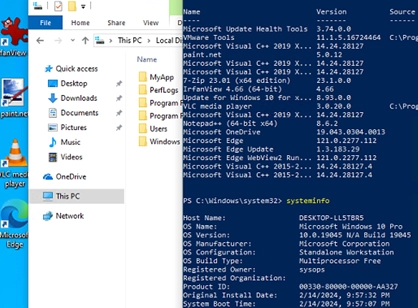
How to Craft Your Own Custom Windows Image with Pre-Installed Applications
In this guide, we’ll cover how to create a custom Windows 10/11 installation image with pre-installed apps, necessary files, and other environment…
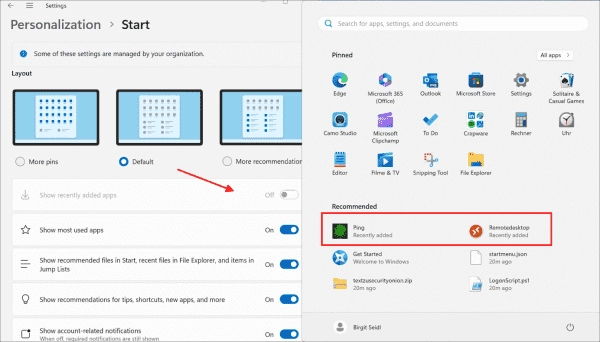
How to Configure the Start Menu of Windows 11 Using Group Policy
One of the most noticeable innovations of Windows 11 is the redesigned Start menu. This changes not only its appearance but also…
A Step-by-Step Guide: How to Identify Your Installed Windows Version and Build Number
The easiest way to quickly find out the version and build number of the Windows OS that is installed on your computer…
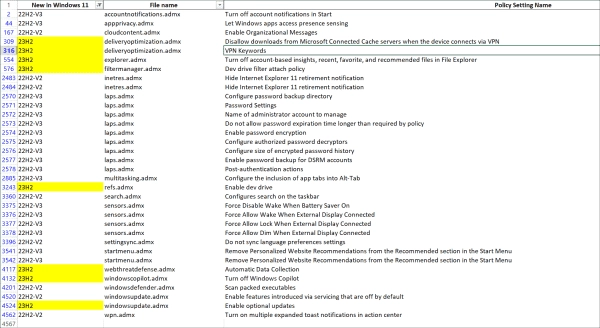
Exploring the New Group Policy Settings in Windows 11 23H2
Windows 11 23H2 introduces a range of new Group Policy settings. These target new features like Dev Drive and extend the management…
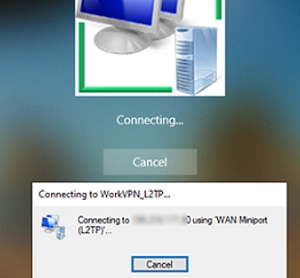
A Step-by-Step Guide to Connecting VPN Before Windows Logon
The built-in VPN client in Windows, by default, does not let you connect to the VPN server before the user signs in.…
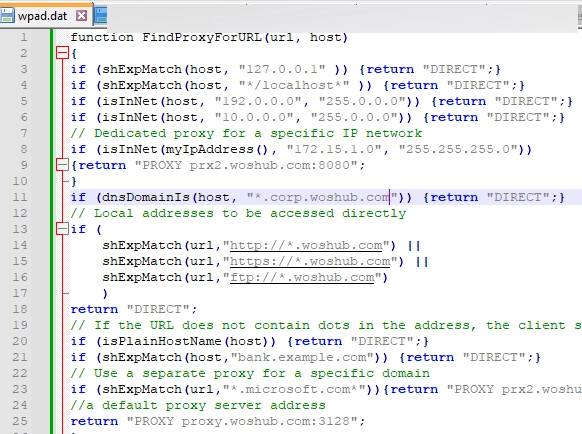
A Comprehensive Guide to Utilizing WPAD (Web Proxy Auto-Discovery Protocol) on Windows
The WPAD (Web Proxy Auto-Discovery) protocol provides an easy solution for proxy settings configuration on the network clients. WPAD is designed such…